PC World recently came out with a list of Stupidest Tech Company Blunders. Here’s over to them.
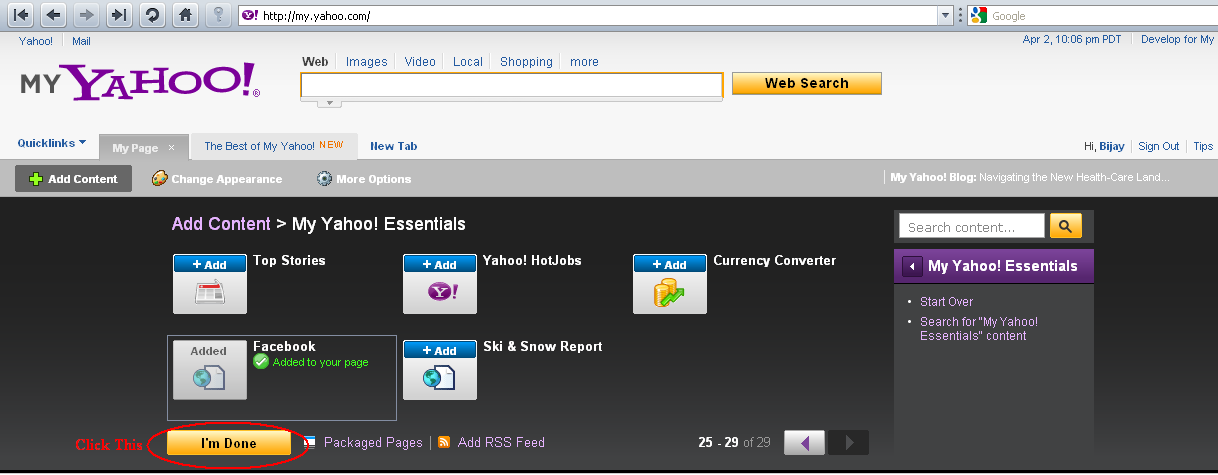
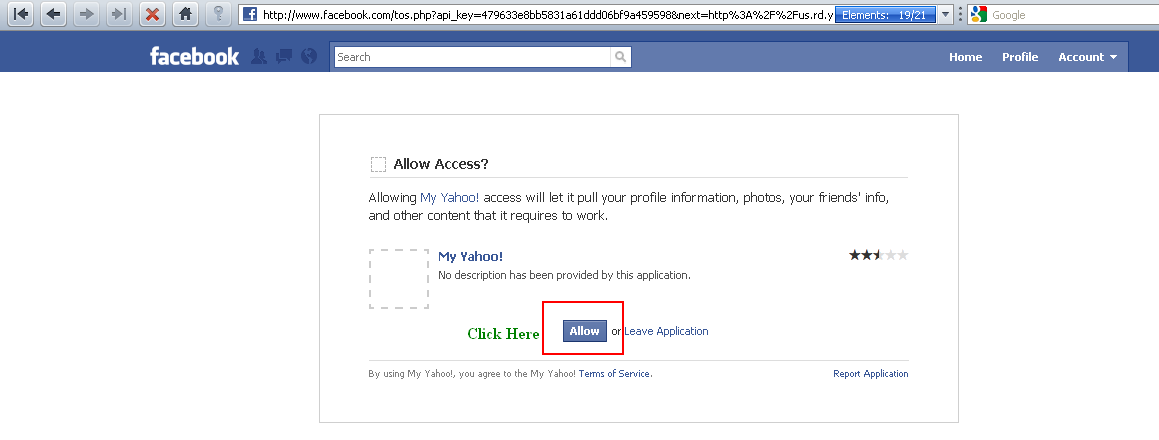
Yahoo fails to buy Facebook:
Yes Yahoo was on the verge of buying today’s biggest social networking site Facebook in 2006. In 2006, the media was abuzz with two-year-old Facebook being in serious talks to sell itself to Internet media company Yahoo for an amount that could approach $1 billion.
Yahoo $1 billion cash offer for Facebook is reportedly twice the amount that Rupert Murdoch had spent for MySpace in 2005. Both are said to have verbally agreed to enter the deal.
However, according to media reports Facebook founder Mark Zuckerberg and the board decided to turn down the offer in lieu of building out the company.
In their estimates, Facebook was likely worth closer to $8 billion.
Microsoft Rescues Apple:
Few people know of Apple’s saviour in late nineties. The time Mac sales were dwindling and the company was running low on cash.
This was the time when Apple received a much-needed cash aid of $150 million from a seemingly unlikely quarter: Microsoft. The company also promised to continue developing its Mac Office suite. The deal was brokered by then Apple consultant Steve Jobs.
Had Microsoft let Apple wither, it would have at least one rival less to content with.
Real Networks finds iPod difficult:
In late nineties when digital music players were still not a reality, Tony Fadell envisioned the idea of building a compact digital music player that were to sport a quarter-sized hard drives which offered 5GB of storage space.
Fadell also thought that the new player could link on the internet with a media service where users can buy music that could be legally downloaded onto the player.
However, his idea was rejected by RealNetworks, on the ground that it was a difficult to justify the creation of a separate personal music device when the player they were selling was successful. Disappointed, Fadell approached Phillips. His idea was turned off at Philips too.
Faddel then took his idea to Apple. The company lapped it up and gave the world iPod. In 2001, the first iPod was released and came with a 5GB Toshiba hard drive, ARM processors, an operating system from Pixo, a lithium polymer battery for added battery life.
According to reports Apple currently controls 80% of the digital music market. In the second quarter ended March 2009, Apple sold 11.01 million iPods during the quarter, representing 3% unit growth over the year-ago quarter. In contrast to Apple, reports reveal Real Networks’ revenues are a fraction of what Apple makes from iTunes alone.
Digital Research loss, Microsoft’s gain:
Not many know that Microsoft was not IBM’s first choice when the latter was looking for a disc operating software. In fact, reportedly Bill Gates himself suggested IBM to approach Gary Kildall of Digital Research, the author of the CP/M operating system.
Kildall who is said to be busy with another customer order, is said to have asked his wife Dorothy Kildall to negotiate with IBM. Kildall not happy with the deal IBM was proposing sent the IBM execs packing.
After this, IBM is said to have approached Bill Gates, who with Paul Allen came up with MS-DOS. Rest is history. Incidentally, MS-DOS was based on Tim Paterson’s QDOS (the Quick and Dirty Operating System), which was itself based on CP/M OS. MS-DOS 1.0 was released with IBM PC in 1982.
Later, IBM ended up offering both Microsoft’s DOS (for $60) and a version of CP/M ($240) to buyers of the original IBM PC.
Xerox dumps Alto:
Even before World got Macintosh and Windows-based PCs, Xerox build Alto, the world’s first personal computer developed at Xerox PARC in 1973. Alto was the first computer to use the desktop metaphor and graphical user interface (GUI).
Alto was a small minicomputer, but it could be considered a personal computer in contrast with the mainframes and other minicomputers of the era.
However, in 1973, there was no market for personal computers, this made Xerox wonder what to do with Alto. The company donated a few thousand units to various universities.
In fact, it is believed that in 1979 Steve Jobs visited Xerox PARC and saw Alto. He is said to have incorporated many of Alto’s features into Apple’s Lisa and Mac computers. Alto is also said to have influenced the first Sun workstations.
Later, Xerox is said to have realized its folly and began marketing Xerox Star, a graphical workstation based on technology developed for Alto. However, it was perhaps too late.
Music industry sues Napster:
This is how the music industry lost its golden chance to control the digital music market.
Napster was an online music file sharing service. The technology allowed people to easily share their MP3 files among each other, bypassing the established market for such songs. Shawn Fanning’s creation soon became a rage among most music lovers. With people making their own compilation albums on recordable CDs with songs downloaded from Napsters.
However, the record companies sued Napster for copyright infringement. The then-Napster CEO Hank Barry called for the music industry to adopt a radio-style licensing agreement that paid royalties to artists for music distributed via Internet. However, the music industry didn’t agree.
Napster fans moved on to other peer-to-peer file-sharing networks such as Gnutella and Grokster. In 2000 MP3.com, launched a service that allowed users to upload songs from their own private CD collection and stream them to any PC. However, it was also sued for copyright infringement.
Result is today music-subscription businesses and streaming services dominate digital music. Had the record companies listened to Napster CEO and found a middle path rather than suing these file sharing networks, they might actually be controlling the digital music landscape.
Compuserve fails to dominate web:
What led to Compuserve, the first major commercial online service in the United States, failing to become today’s Web giant?
Founded in 1969, the company offered limited dial-in services in the mid-1970s. CompuServe dominated the field during the 1980s and remained a major player through the mid-1990s, when it was sidelined by AOL.
In the year 1979, it offered online services and by mid-1980s CompuServe became one of the largest information and networking services companies. Compuserve was also the largest consumer information service in the world at one point in time.
However, with the rise of the World Wide Web in 1994, the company’s core business started fading. The company also made an attempt to offer users internet access with CompuServe services, an experiment that failed miserably.
In comparison to Compuserve, AOL offered flat-rate "unlimited" pricing (versus CompuServe’s hourly charges) and a simpler interface. The company also launched a massive CD marketing campaign. According to experts, what led to the company’s downfall was the lack of the will to invest in converting its advantages into a sustainable lead.
In 1997, CompuServe was acquired by AOL and the CompuServe Information Service began operating as an online service provider and an Internet service provider. The original CompuServe Information Service, later rebranded as CompuServe Classic, was finally shut down on July 1, 2009.
Open Text dumps search:
Microsoft Bing may take time to catch up with Google (if it can), however, there was a search engine that is said to have perfected the art of searching as well as Google, Open Text. But, this was till the company decided to abandon the search market!
In the mid-1990s, the hottest search engine technology was the Open Text Web Index. Open Text was reportedly lauded for its speed, accuracy, and comprehensiveness. The company in fact claimed to have indexed every word on the roughly 5 million documents that constituted the Web at that time.
In 1995, Yahoo too incorporated Open Text’s search technology into its directory. However, two years after its partnership with Yahoo, Open Text abandoned search and moved into enterprise content management. Just another year, and Google made its entry and riding on the success of its search went on to become Internet’s numero uno.
Hey! My friends, If you like my post you can save it using "Save Page as PDF" button below and you can even share them to your friends with social networking buttons provided below this post.